Paperwork
Your PDF Ready to edit

A form shouldn’t need
a printer and scanner.

Fill the fields. Write on the page. Add your signature.
Get a finished PDF, right here.

Your documents and signatures stay in this browser.
No account. No uploads. Nothing saved behind your back.

You can also drop a PDF here. Up to 30 MB / 100 pages.
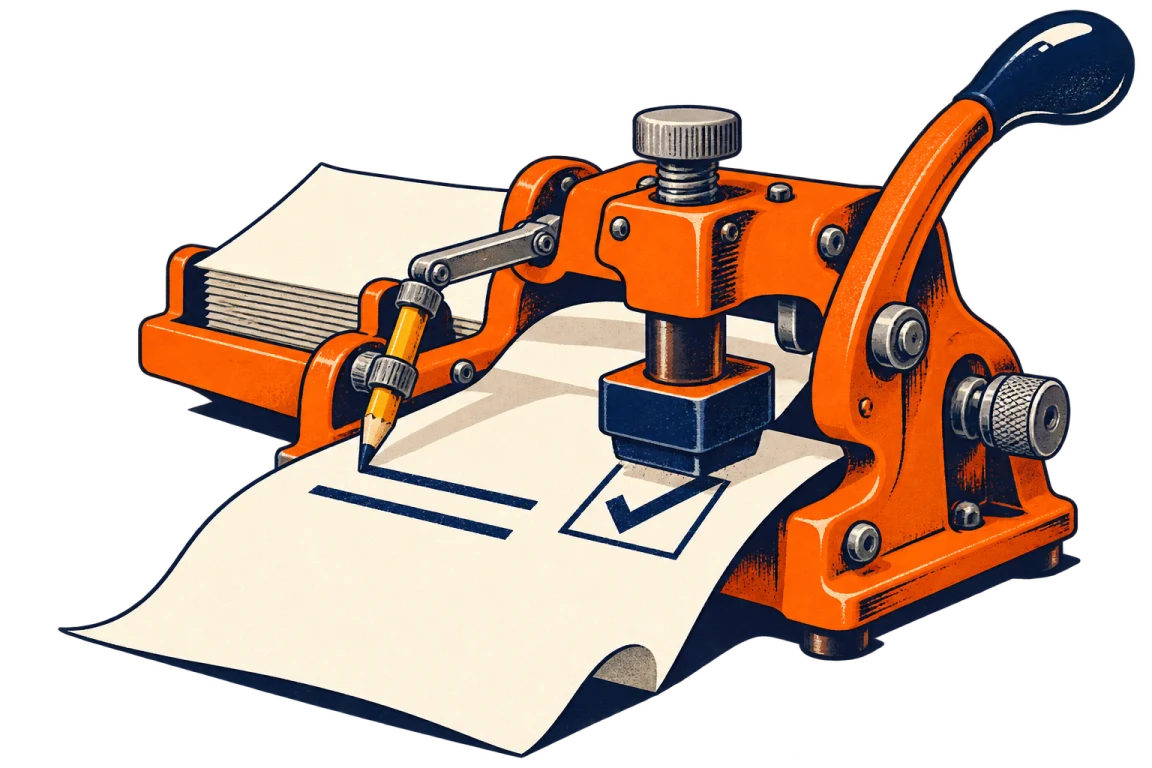
An orange stamp press and its pencil arm put ink and a tick on a sheet of paper.
A small victory over office equipment.

Less clicking. More doing.

Shortcuts stay out of your way while you’re typing in a field.

Select
V
Pen
P
Highlight
H
Eraser
E
Text
T
Tick
K
Signature
S
This guide
?
Undo / redo
⌘/Ctrl Z / ⇧ Z
Save PDF
⌘/Ctrl S
Print
⌘/Ctrl P
Move selection
Arrow keys · Shift for larger steps

Open a different PDF?

Your current edits will be cleared. Save your completed PDF first if you need it.

Apps and shortcuts