Paperwork
Your PDF Ready to edit

A form shouldn’t need
a printer and scanner.

Fill the fields. Write on the page. Add your signature.
Get a finished PDF, right here.

Your documents and signatures stay in this browser.
No account. No uploads. Nothing saved behind your back.

You can also drop a PDF here. Up to 30 MB / 100 pages.
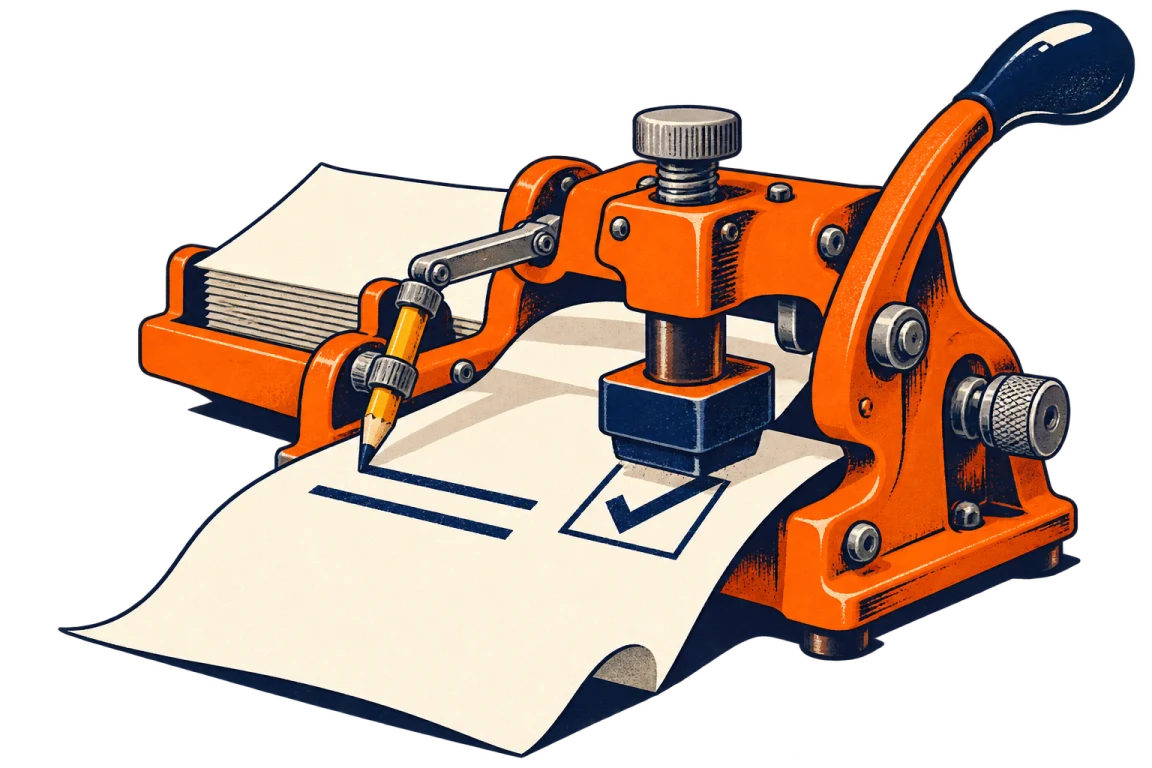
An orange stamp press and its pencil arm put ink and a tick on a sheet of paper.
A small victory over office equipment.

Help & privacy Built with App Composer

Document properties

The details PDF readers show about your file. Changes travel with the saved PDF.

Technical details

Clearing properties also removes creator, producer, dates and custom document properties. Page content, attachments and metadata elsewhere in the PDF are unchanged.

Edits remove document-level XMP to avoid conflicting values.

Less clicking. More doing.

Shortcuts stay out of your way while you’re typing in a field.

Select
V
Pen
P
Highlight
H
Eraser
E
Text
T
Tick
K
Signature
S
This guide
?
Undo / redo
⌘/Ctrl Z / ⇧ Z
Save PDF
⌘/Ctrl S
Print
⌘/Ctrl P
Move selection
Arrow keys · Shift for larger steps

Open a different PDF?

Your current edits will be cleared. Save your completed PDF first if you need it.

Apps and shortcuts